
Hosted PBX vs Onsite PBX: What’s the Difference?
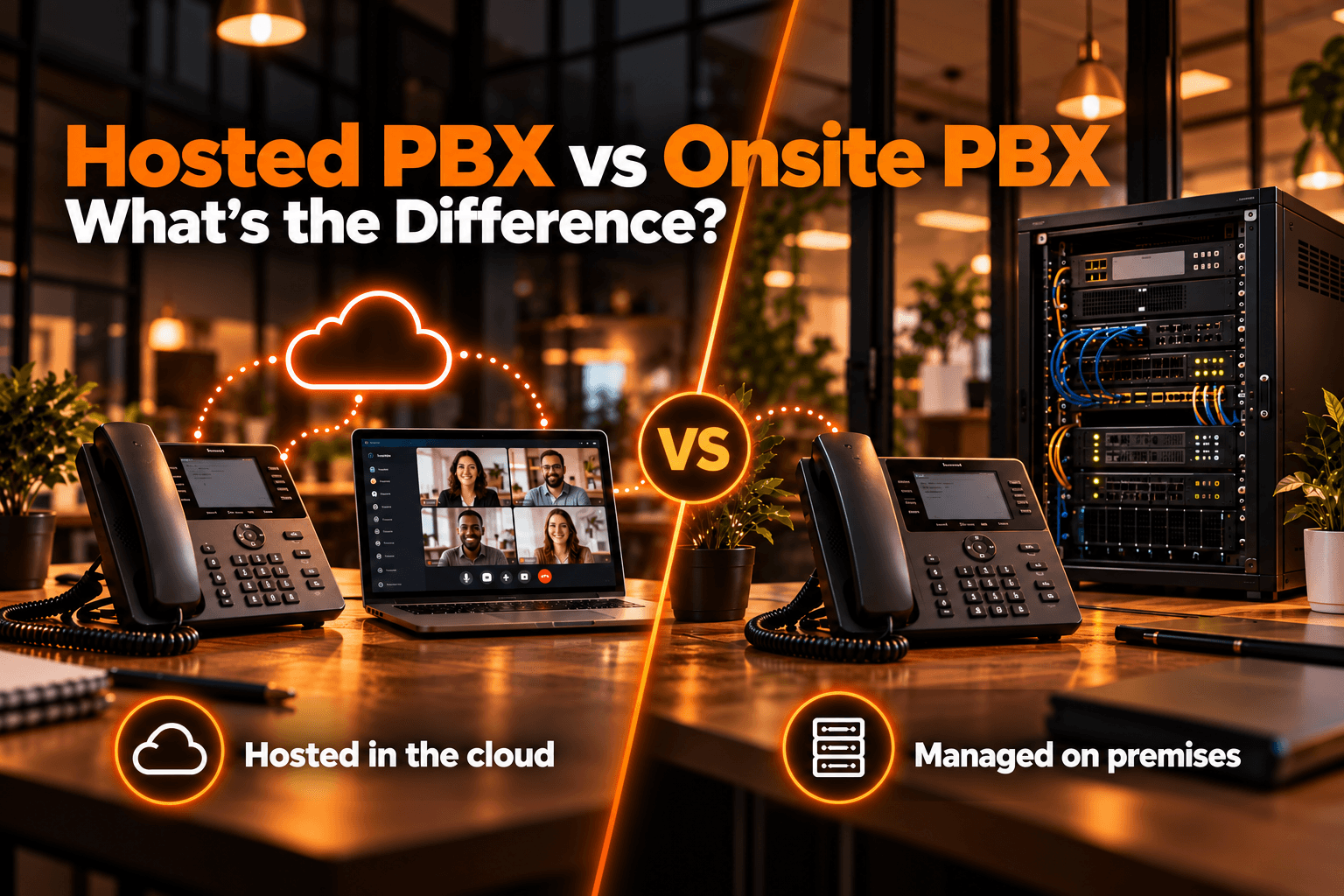
Choosing between hosted PBX vs onsite PBX comes down to one fundamental question: where do you want your business phone system to live and who do you want to manage it?
A hosted PBX runs on infrastructure managed outside your office, usually by a communications provider. An onsite PBX, also called an on-premise PBX, runs on hardware or servers located at your business premises and is typically managed by your internal IT team.
Both systems can handle business calls, extensions, routing, voicemail, and other communication features. The main differences are cost structure, maintenance, scalability, control, remote-work support, and infrastructure requirements.
For growing businesses, understanding these differences is important before investing in a new phone system.
Hosted PBX vs Onsite PBX at a Glance
| Factor | Hosted PBX | Onsite PBX |
| Infrastructure | Hosted externally | Located at your premises |
| Initial cost | Usually lower | Usually higher |
| Maintenance | Mostly managed by provider | Managed by your IT team |
| Scalability | Easy to scale | May require additional hardware |
| Remote work | Well suited | Additional setup may be needed |
| Control | Provider-dependent | Greater direct control |
| Updates | Usually provider-managed | Managed internally |
| IT resources | Lower requirement | Higher requirement |
| Disaster recovery | Depends on provider redundancy | Business manages redundancy |
| Best suited for | Growing, distributed businesses | Organizations needing local control |
In simple terms, a hosted PBX reduces the amount of infrastructure your company must manage, while an onsite PBX gives your organization more direct control over the system.
What Is a PBX Phone System?
PBX stands for Private Branch Exchange. It is a phone system that manages incoming, outgoing, and internal business calls.
Instead of giving every employee a completely separate telephone line, a PBX allows businesses to centrally manage multiple users and extensions.
A modern PBX phone system may support features such as:
- Call routing
- Internal extensions
- Call forwarding
- Auto attendants and IVR
- Voicemail
- Call queues
- Call transfers
- Business phone numbers
- Call reporting and analytics
PBX systems can be deployed on company-owned infrastructure or through a hosted cloud environment.
What Is a Hosted PBX?
A hosted PBX is a business phone system where the PBX infrastructure is hosted outside the customer's premises. The provider typically operates the platform, infrastructure, updates, and much of the underlying maintenance.
Employees then access the phone system using internet-connected devices such as desk phones, laptops, smartphones, or softphone applications.
Because the PBX is hosted externally, businesses do not usually need to maintain a physical PBX appliance inside their office.
What Is an Onsite PBX?
An onsite PBX, also known as an on-premises PBX or on-premise phone system, is installed on infrastructure located at the business premises.
The organization is typically responsible for managing the server, network, software, updates, backups, and security.
An onsite PBX may require:
- PBX servers or appliances
- Networking equipment
- Power and backup systems
- Software licensing
- IT administration
- Security management
- System upgrades
- Physical server space
This model gives businesses more direct control over the infrastructure but also places more responsibility on their internal teams.
Pros and Cons of Hosted PBX
Advantages of Hosted PBX
Hosted PBX can offer:
- Lower initial infrastructure costs
- Easier scalability
- Reduced maintenance workload
- Remote-work flexibility
- Faster multi-location deployment
- Centralized administration
- Provider-managed updates
- Easier access to modern communication features
Disadvantages of Hosted PBX
Potential limitations include:
- Dependence on reliable internet connectivity
- Recurring service fees
- Less direct infrastructure control
- Provider-dependent customization
- Dependence on provider reliability and support
The quality of the provider therefore matters as much as the technology itself.
Pros and Cons of Onsite PBX
Advantages of Onsite PBX
An onsite PBX may provide:
- Greater infrastructure control
- Control over update timing
- Greater flexibility for specialized configurations
- Direct management of local systems
- Ability to use existing internal infrastructure
Disadvantages of Onsite PBX
Potential drawbacks include:
- Higher initial setup costs
- Greater IT requirements
- Ongoing maintenance responsibility
- Hardware replacement costs
- More complex scaling
- Greater responsibility for disaster recovery
Organizations should consider whether they have the internal resources required to manage the system long term.
Which Businesses Should Choose Hosted or Onsite PBX?
Hosted PBX is well suited to small and growing businesses, remote or hybrid teams, and multi-location companies that want easy scalability, lower infrastructure requirements, and less IT maintenance.
An onsite PBX may be more suitable for organizations with dedicated IT teams, existing telecom infrastructure, specialized configurations, or a need for greater system control.
The right choice depends on your resources, connectivity, operational requirements, and long-term communication needs.
How to Choose Between Hosted and Onsite PBX
Choosing between hosted and onsite PBX depends on your business size, IT resources, budget, growth plans, and communication needs. A hosted PBX is often a better fit for businesses that want easier scalability, remote-work support, lower upfront costs, and less internal maintenance.
An onsite PBX may be more suitable for organizations with dedicated IT teams, existing infrastructure, and a stronger need for direct system control. You should also consider integrations, redundancy, future expansion, and the total cost of ownership over the next three to five years before making a decision.
Moving From Onsite PBX to a Cloud Business Phone System
If your business is moving from an onsite PBX to a cloud business phone system, a structured migration can reduce disruption.
A typical transition includes:
- Review your existing PBX, extensions, numbers, and call-routing setup.
- Check your network and internet readiness.
- Choose and configure the new cloud phone system.
- Port existing phone numbers.
- Test calls, failover, and backup procedures.
- Train employees before the final cutover.
Careful planning allows businesses to modernize their communications while minimizing downtime.
Upgrade Your Business Communications With VoxSun
If your organization is evaluating a modern business phone system, VoxSun combines business calling with virtual numbers, video conferencing, CRM integrations, call analytics, and AI-powered voice capabilities within one communications platform.
Businesses can use a centralized communication platform to simplify call management, support distributed teams, and build a phone environment that can scale as their communication needs change.
Frequently Asked Questions
Is hosted PBX the same as cloud PBX?
Hosted PBX and cloud PBX are often used interchangeably, although the exact deployment and management models may differ. Both generally move the PBX away from the customer's physical premises.
Is hosted PBX cheaper than onsite PBX?
Hosted PBX usually requires less upfront investment, but total cost depends on subscription fees, user count, hardware, maintenance, support, and the expected lifetime of the system.
Do hosted PBX and on-site PBX require internet?
Hosted PBX typically requires a reliable internet connection because calls and system features run through the cloud. On-site PBX can operate locally without the internet, although internet access may still be needed for VoIP calling, remote access, updates, or integrations.