
Video Conferencing with VoIP: How It Works and Benefits
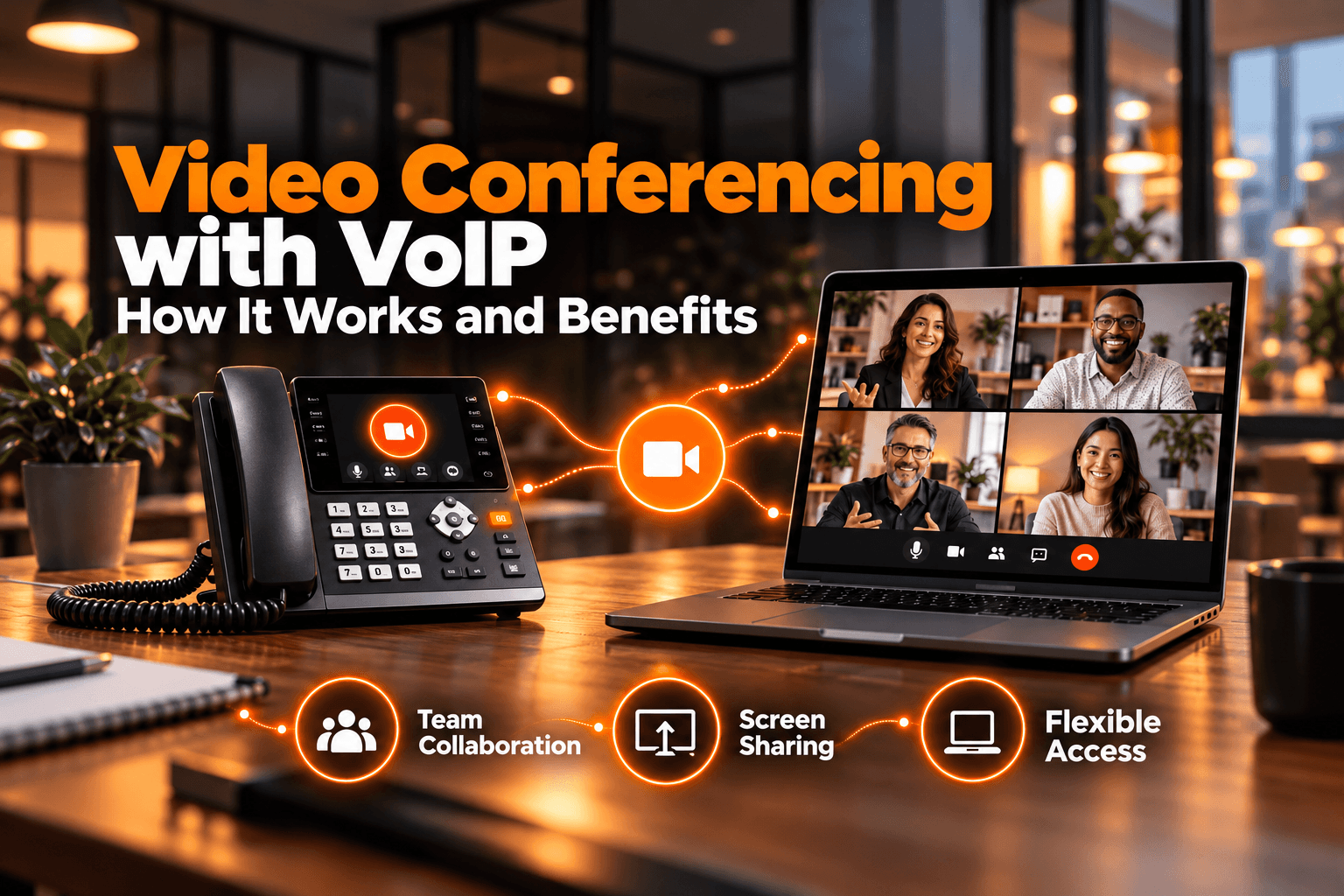
VoIP video conferencing combines internet-based voice calling with live video so teams can meet, speak, share screens, and collaborate from different locations through one digital connection. Instead of using traditional phone lines for audio, the system carries voice and video as data over an IP network.
For businesses, this creates a flexible way to connect remote employees, customers, partners, and branch offices. Modern platforms can combine calling, video meetings, messaging, screen sharing, and other collaboration tools in one communication environment, making VoIP video conferencing an important part of unified business communications.
What Is VoIP Video Conferencing?
VoIP video conferencing is a communication method that uses Voice over Internet Protocol for audio while transmitting video over the same internet-based network. VoIP handles the voice portion of the meeting, while the video system manages the visual stream. Both are synchronized so participants can hear and see each other in real time.
Users can usually join from a laptop, desktop computer, smartphone, tablet, or conference room system. Depending on the platform, they may also be able to share screens, exchange messages, record meetings, invite external participants, or join by phone.
The combination of VoIP and video conferencing is especially useful for remote and hybrid organizations because employees can participate from almost anywhere with a suitable internet connection.
How Do VoIP and Video Conferencing Work Together?
VoIP and video conferencing work together by converting voice and video into digital data, dividing that data into packets, and sending the packets across an IP network to other meeting participants.
When someone speaks, a microphone captures the voice and converts it into digital audio. At the same time, a camera captures the video stream. The platform compresses both streams with codecs so they can move efficiently across the network. At the receiving end, the packets are reassembled and converted back into sound and video.
Because audio and video must remain synchronized, the platform continuously manages both streams during the meeting. If network conditions weaken, the system may adjust quality to keep communication stable. This is why a reliable connection is important for a smooth VoIP video call.
How Does VoIP Video Conferencing Work?
The process happens almost instantly, but several technical steps take place behind the scenes.
1. Audio and Video Are Captured
The microphone captures speech while the camera records video. The platform converts both into digital information that can travel through the internet rather than a traditional telephone network.
2. Data Is Compressed and Packetized
Codec compress the audio and video so less data needs to be transmitted. The information is then divided into small packets containing the details needed for the receiving device to put the streams back together in the correct order.
3. Packets Travel Across the IP Network
The packets move between participants through the internet and the conferencing platform. Network conditions directly affect the experience. High latency, packet loss, unstable bandwidth, or excessive jitter can lead to delayed audio, frozen video, or temporary reductions in call quality.
4. Audio and Video Are Reassembled
When the packets reach the other participants, their devices decode and reassemble them into live sound and video. When the network is stable, this process happens fast enough for a VoIP video call to feel like a natural conversation.
What Equipment Is Needed?
Most users only need an internet-connected computer or mobile device with a camera, microphone, and speakers or headset. Larger meeting rooms may use dedicated cameras, microphones, speakers, displays, or VoIP conference phones. The right setup depends on room size, participant count, and the level of audio and video quality required.
What Are the Benefits of VoIP Video Conferencing?
The main advantage of VoIP video conferencing is that it brings business voice and visual communication together over the internet. This can make collaboration easier while reducing dependence on separate telephone and meeting systems.
Lower Communication and Travel Costs
Remote meetings can reduce the need to travel for every internal discussion, client presentation, or partner meeting. Because the service uses an IP network, businesses can also rely less on traditional long-distance calling infrastructure.
Easier Remote Collaboration
A VoIP video call allows employees to speak face to face, share screens, present documents, and discuss projects in real time without working from the same location.
Teams can use the same meeting environment for project discussions, employee training, customer presentations, interviews, and collaboration between different offices.
Greater Mobility and Flexibility
Employees are not tied to one office or desk phone. Depending on the platform, they can join meetings from a laptop, smartphone, tablet, or conference room device.
This flexibility makes VoIP and video conferencing useful for hybrid employees, field teams, sales representatives, managers, and businesses operating across several locations.
Easier Scalability
Cloud-based systems can usually add users without installing a new traditional phone line for every employee. Administrators can manage accounts, permissions, and meeting access through an online portal.
This makes it easier for growing organizations to expand their communication system as new employees, departments, or locations are added.
Unified Business Communications
Combining VoIP and video conferencing can bring voice, video, messaging, screen sharing, and other communication features into one environment.
Instead of using separate platforms for business calling and online meetings, employees can work within a more consistent system. This can reduce the number of communication tools employees need to manage and simplify day-to-day collaboration.
VoIP Video Conferencing vs. Traditional Conference Calling
| Feature | VoIP Video Conferencing | Traditional Conference Calling |
| Communication type | Audio and live video | Mainly audio only |
| Connection | Uses an IP network or internet connection | Uses telephone numbers or dial-in lines |
| Collaboration tools | Screen sharing, presentations, chat, and other digital tools | Limited collaboration features |
| Best for | Sales presentations, training, project reviews, interviews, and client meetings | Quick updates and simple voice-only discussions |
| Remote collaboration | Better suited for distributed and hybrid teams | Suitable for basic remote conversations |
| Visual interaction | Participants can see each other and share visual content | No visual interaction in standard conference calls |
| Flexibility | Can usually be joined from computers, smartphones, tablets, and meeting-room systems | Typically accessed through phones or dial-in numbers |
What Features Should You Look for?
A reliable VoIP video conferencing solution should include:
- Reliable audio and video quality for clear communication.
- Screen sharing for presentations and collaboration.
- Mobile access so users can join meetings from different devices.
- Participant controls to manage attendees and meeting permissions.
- Meeting recording for training, documentation, or future reference.
- Calendar integration for easier scheduling and meeting reminders.
- External participant access so clients and partners can join easily.
- Strong security features, including encryption, authentication, and access controls.
- Regulatory compliance where required by your industry.
- Device compatibility with computers, smartphones, tablets, and existing hardware.
- Business integrations with phone systems, CRM platforms, calendars, and productivity tools.
Why Internet Quality Matters for a VoIP Video Call?
A VoIP video call depends on the internet because both voice and video are transmitted over the network. Video normally requires more bandwidth than a voice-only call, so poor network performance can affect meeting quality quickly.
Common symptoms include delayed speech, frozen video, pixelation, robotic audio, or dropped connections. Businesses can improve reliability by maintaining enough network capacity, using stable broadband, prioritizing real-time traffic where appropriate, and using wired connections in important conference rooms when possible.
Network performance is particularly important when several employees are joining HD meetings at the same time because every active video session adds traffic to the business network.
How VoxSun Supports VoIP and Video Conferencing?
VoxSun brings business communications solutions and video conferencing into the same platform, helping organizations manage voice and video without relying on completely separate systems.
Its video conferencing service supports business meetings alongside capabilities such as VoIP calling, call routing, virtual numbers, CRM integrations, and other communication tools. This makes the platform suitable for organizations that want employees to communicate across offices, remote locations, and customer-facing teams through a more unified setup.
For companies evaluating VoIP video conferencing, keeping voice, video, and other business communication tools within the same broader platform can reduce tool fragmentation and create a more consistent experience for users and administrators.
FAQs
Is VoIP used for video conferencing?
Yes. VoIP is commonly used to carry the audio portion of internet-based video conferencing. Voice and video are transmitted as digital data over an IP network and synchronized during the meeting so participants can communicate in real time.
Can VoIP be used for video calls?
Yes. When a VoIP platform includes video capabilities, users can make a VoIP video call from supported computers, smartphones, tablets, or conference room systems. The voice stream uses VoIP technology while the video stream travels alongside it over the internet.
What is the difference between VoIP and video conferencing?
VoIP primarily refers to transmitting voice over an IP network. Video conferencing combines live video, audio, and often collaboration tools such as screen sharing. VoIP can therefore form the audio component of a broader video conferencing system.
Do you need special equipment for VoIP video conferencing?
Not always. Most individual users only need an internet-connected computer or mobile device with a camera, microphone, and speakers or headset. Larger meeting rooms may benefit from dedicated cameras, microphones, speakers, conference phones, and displays.
What internet connection is needed for VoIP video conferencing?
A stable broadband internet connection is important because both audio and video travel through the network. The exact bandwidth needed depends on video resolution, participant count, device type, and the conferencing platform being used.
Is VoIP video conferencing suitable for remote teams?
Yes. VoIP video conferencing is particularly useful for remote and hybrid teams because participants can join from different locations and devices while using voice, video, screen sharing, and other collaboration features within the same meeting environment.